Bitterne Manor Primary & Nursery School
Computing
 Curriculum Intent
Computing is an important part of modern life and offers many learning opportunities across the curriculum. Through computing, children develop key skills, knowledge and understanding they will use throughout their lives. As technology is used at home, school and work, it is essential that learners are prepared to use it effectively. The National Curriculum identifies three areas of computing: Computer Science (CS), Information Technology (IT) and Digital Literacy (DL). Children develop their knowledge and skills in all three areas during their time at school.
Children learn to design, write and debug programs to achieve specific goals, including controlling or simulating systems. They solve problems by breaking them into smaller parts and use sequence, selection and repetition in their programs. They also develop logical reasoning to explain how algorithms work and to identify and correct errors.
Pupils are taught about computer networks, including the internet, and how they support communication and collaboration. They learn to use search technologies effectively and to evaluate digital content critically. Children also select and combine a range of software and digital tools to create programs, systems and content that achieve specific outcomes.
Technology is used safely, respectfully and responsibly, with children learning to recognise acceptable behaviour online and how to report concerns. This is supported by the school’s wider programme on internet safety, helping pupils become confident and responsible digital citizens prepared for the future.
 Curriculum Implementation
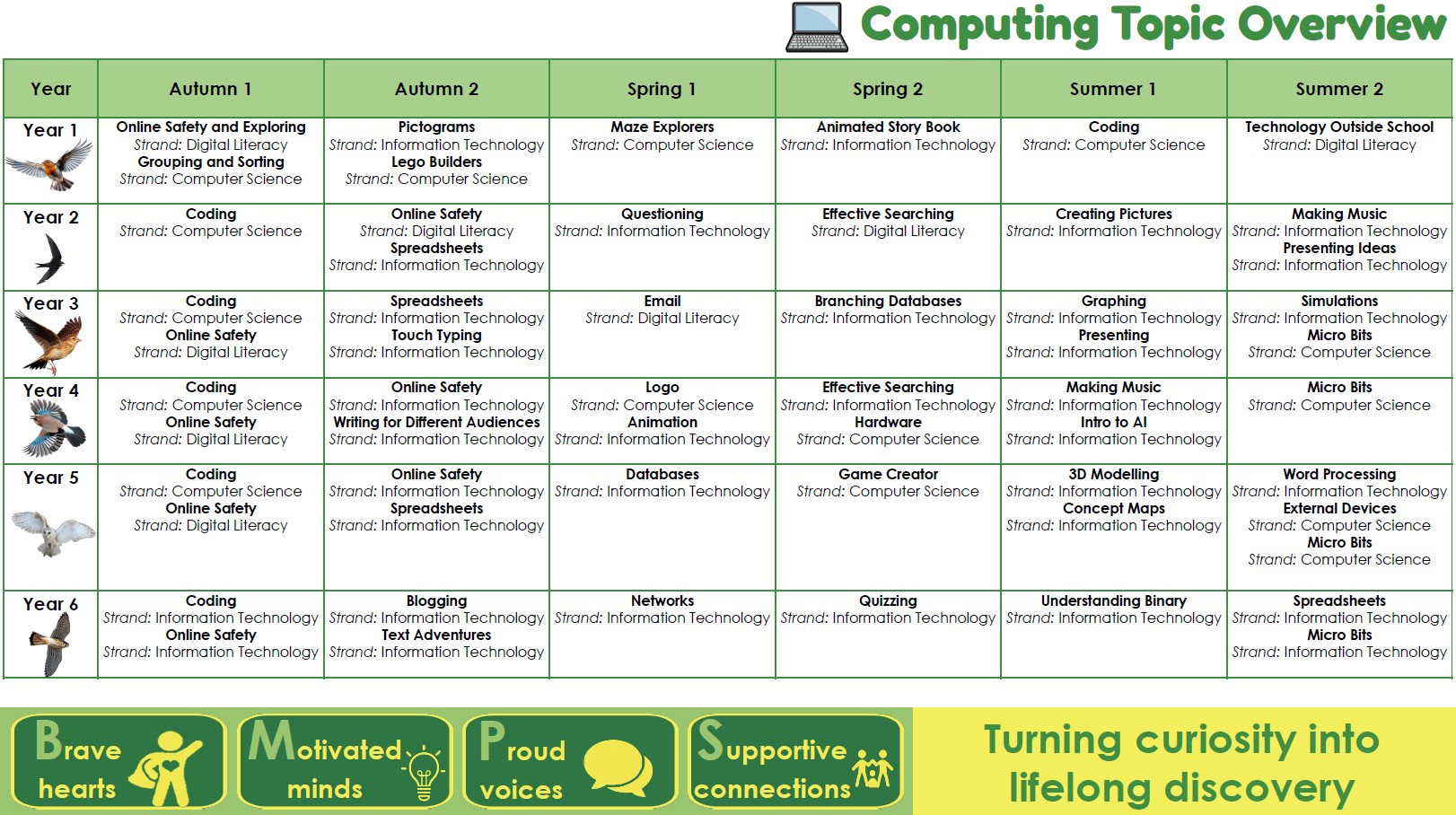
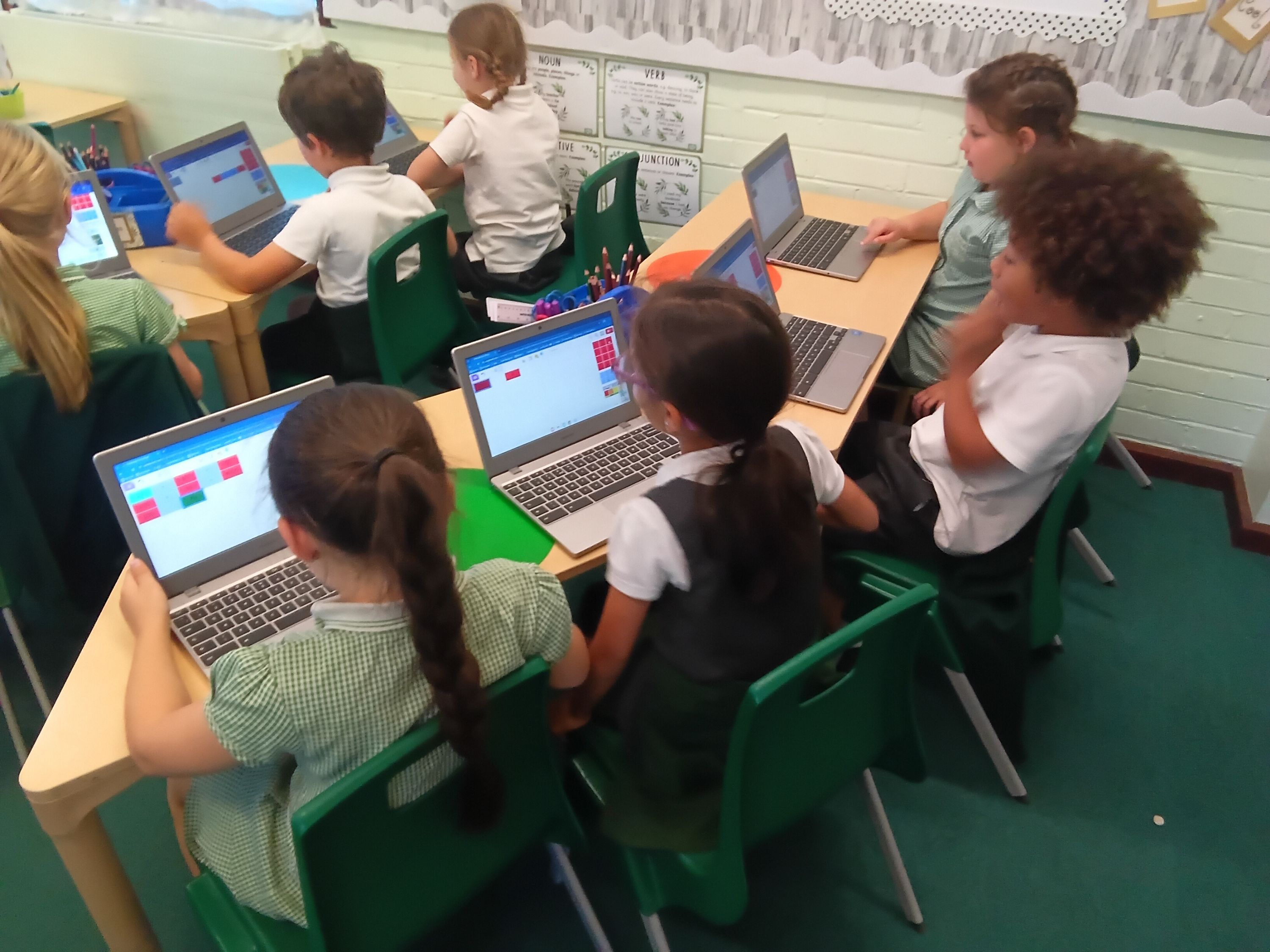
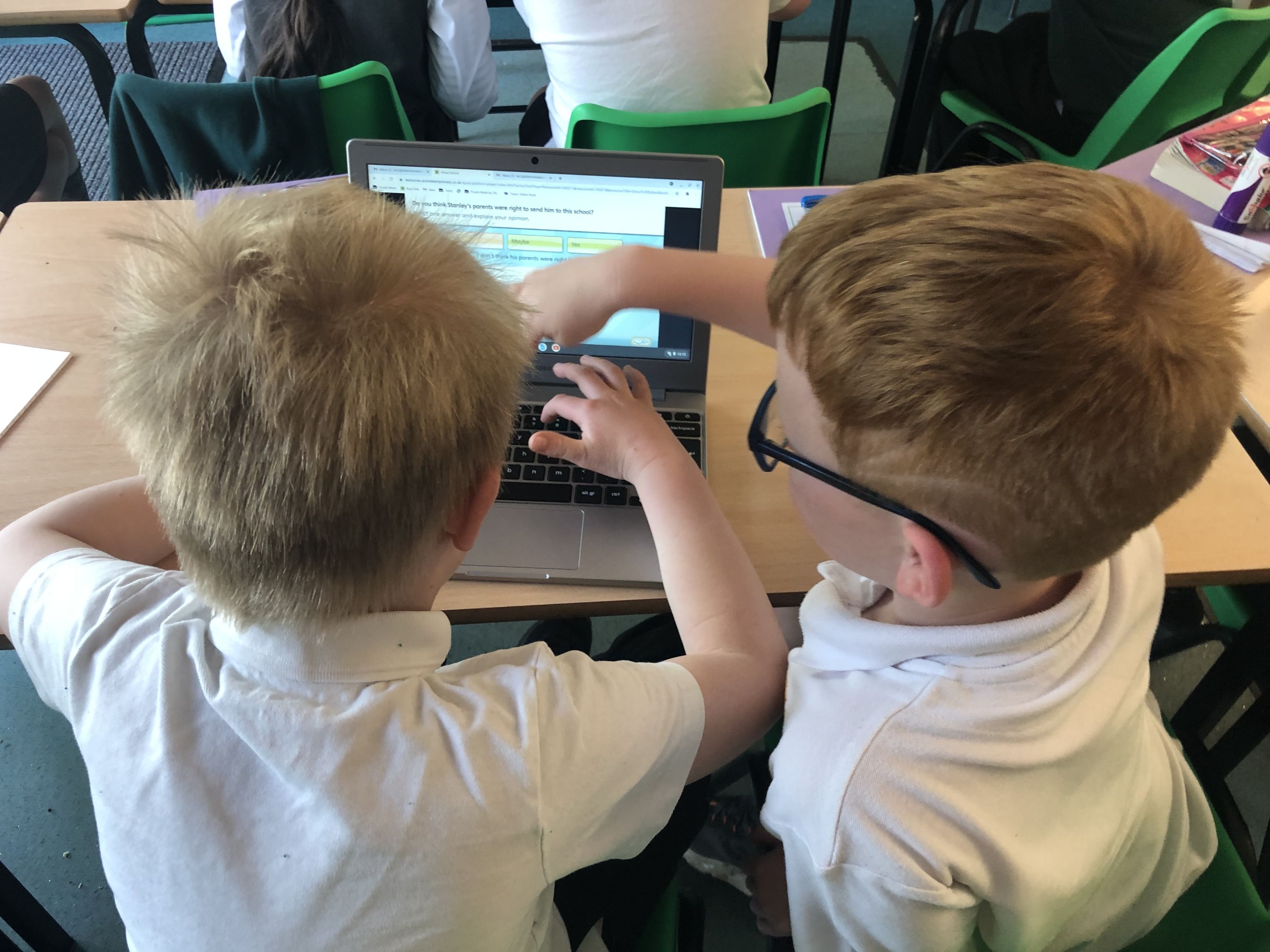
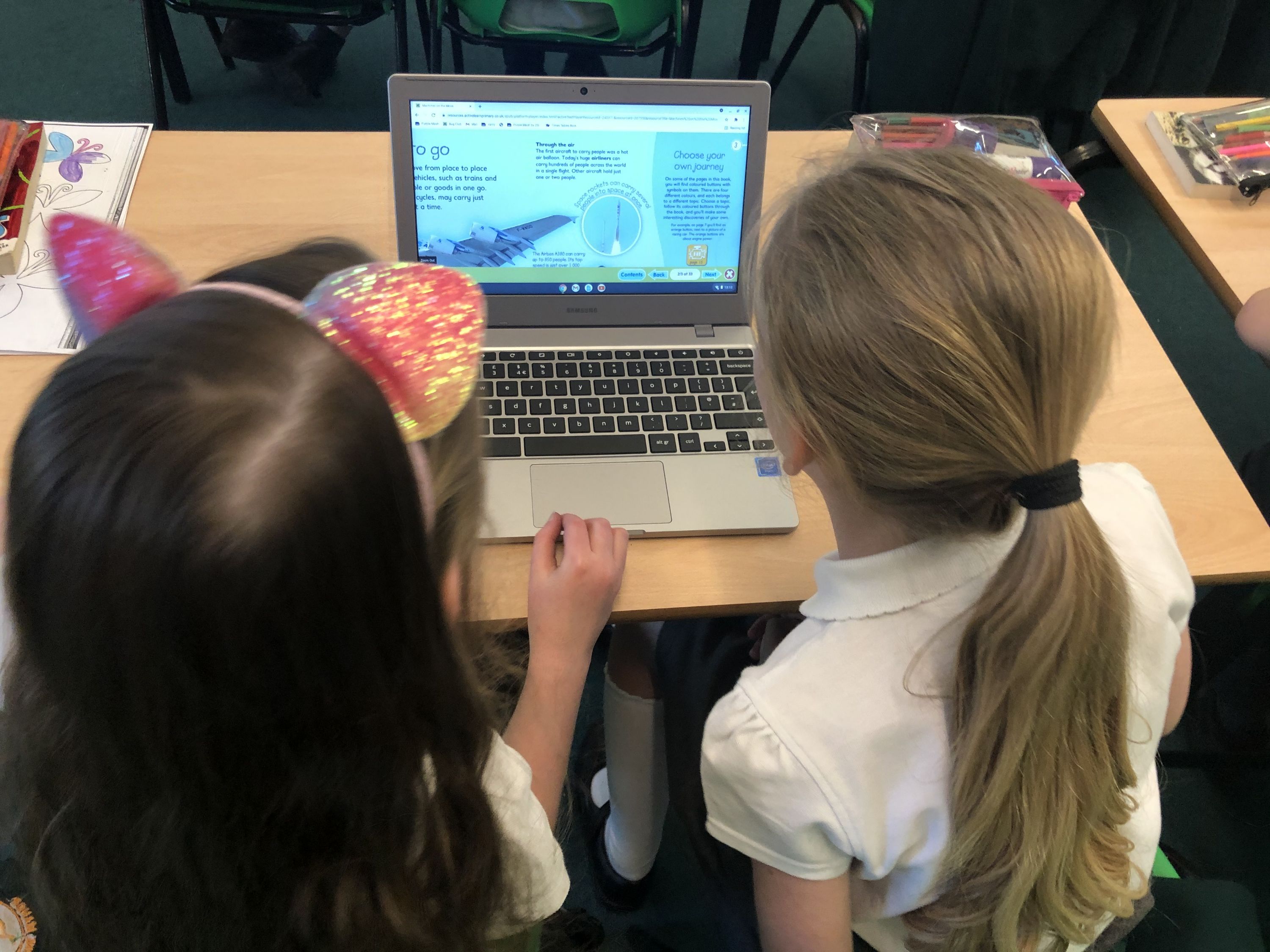
Computing is taught through a structured curriculum using Purple Mash, which supports the teaching of Computer Science, Information Technology and Digital Literacy. Lessons build on prior learning and help children develop skills in programming, creating digital content and understanding how technology works. Online safety is embedded throughout to ensure pupils learn to use technology safely, responsibly and confidently.
 End of Key Stage 1 Expectations in Computing
Below is a list of the expectations that children are expected to hit by the end of Key Stage 1 in computing.
Computer Science
- I can understand what algorithms are, how they are implemented as programs on digital devices, and that programs execute by following precise and unambiguous instructions.
- I can create and debug simple programs.
- I can use logical reasoning to predict the behaviour of simple programs.
Information Technology
- I can use technology purposefully to create, organise, store, manipulate, and retrieve digital content.
Digital Literacy
- I can recognise common uses of information technology beyond school.
- I can use technology safely and respectfully, keeping personal information private; identify where to go for help and support when they have concerns about content or contact on the internet or other online technologies.
End of Key Stage 2 Expectations in Computing
Below is a list of the expectations that children are expected to hit by the end of Key Stage 2 in computing.
Computer Science
- I can design, write and debug programs that accomplish specific goals, including controlling or simulating physical systems; solving problems by decomposing them into smaller parts.
- I can use sequence, selection, and repetition in programs; work with variables and various forms of input and output.
- I can use logical reasoning to explain how some simple algorithms work and to detect and correct errors in algorithms and programs.
- I can understand computer networks, including the internet; how they can provide multiple services, such as the World Wide Web, and the opportunities they offer for communication and collaboration.
Information Technology
- I can select, use and combine a variety of software (including internet services) on a range of digital devices to design and create a range of programs, systems and content that accomplish given goals, including collecting, analysing, evaluating and presenting data and information.
- I can use search technologies effectively, appreciate how results are selected and ranked, and be discerning in evaluating digital content.
Digital Literacy
- Use technology safely, respectfully and responsibly; recognise acceptable/unacceptable behaviour; identify a range of ways to report concerns about content and contact.
 Curriculum Impact
Pupils leave with the knowledge, skills and confidence to use technology effectively, safely and responsibly. They develop problem-solving and computational thinking skills and are able to create, evaluate and apply digital solutions. Children become digitally literate and well-prepared for the next stage of their education and life in an increasingly digital world.
Further Information
Children are taught about E-Safety within the classroom and are shown resources throughout the year as well as posters which can be found around the school.
Key programmes that the school uses:
- Google Classroom
- Google Chrome
- Purple Mash
- Bug Club
- Times Table Rockstars